
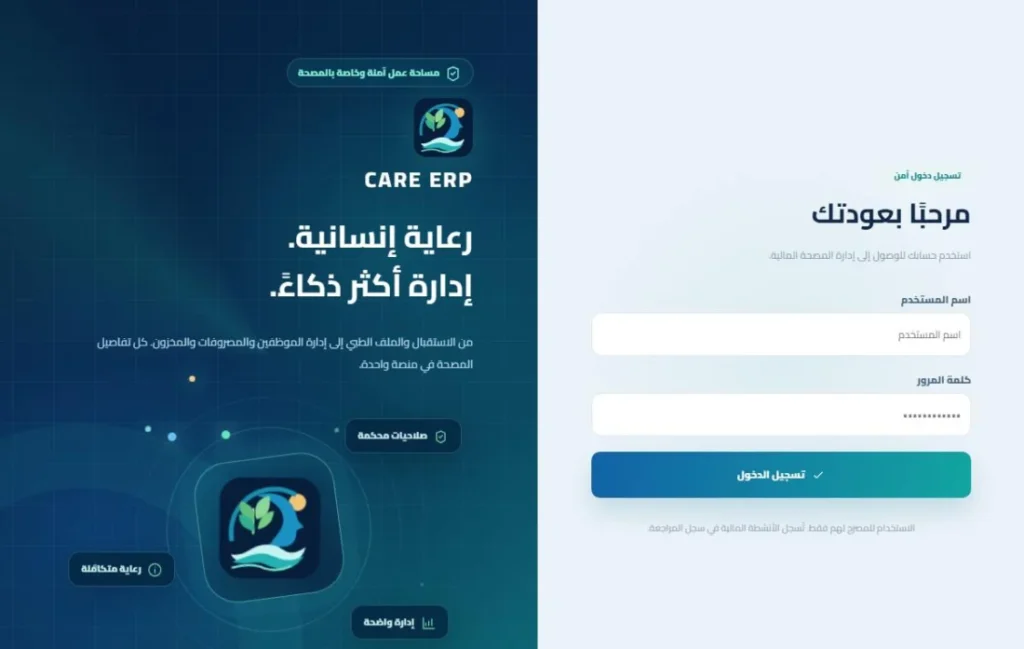
Connected records for a clearer view of centre operations.
CARE ERP is designed around daily and monthly stays, guardian communication and shift handovers. Its scope combines registration, clinical follow-up, expenses, supplies and staff management, configured to each operator’s roles and policies.

Resident records from admission to discharge
Resident and guardian details together
Name, room, date of birth, age and admission type sit alongside the guardian’s name, relationship and contact number. Required guardian details help staff reach the appropriate contact.
Camera capture for documents and attachments
Supported capture fields accept resident photos, both sides of identity documents, guardian identification and other attachments from a phone camera or device upload, keeping documents associated with their record.
Relevant health information and notes
Chronic-condition information, blood group, clinical notes and daily follow-up are organised for authorised staff, with access aligned to operational roles.
Daily or monthly stays and movement tracking
Admission type, fees, leave, departure and return times support an up-to-date view of residents present in the centre and room occupancy.
Photographed valuables at admission and discharge
Valuables and belongings can be recorded with photographs at receipt and release. The record provides a practical reference for handovers.
Daily plans, pharmacy and coordinated follow-up
Doctor notes and care plans
Clinical notes and follow-up plans organise the information and tasks needed by authorised team members. Clinical decisions remain with qualified practitioners.
Medication schedules and quantities
Medication schedules, administration times and recorded quantities support daily follow-up within the resident’s record.
Pharmacy purchasing and stock
Pharmacy items, balances, purchases, dispensing movements and purchase invoices connect supply decisions to daily operations.
Structured tests and results
Configured substance, alcohol, pregabalin and other test types support structured results, positive-substance selection and attachments, rather than relying only on a general note.
Daily allowances, supplies and batch planning
Configured cigarette or supply allowances and daily quantities can be organised across residents, supporting consistent recording across shifts.
Finance, expenses and staff in the same system
Deposits, balances and stay charges
Deposits, deductions and stay charges feed into a traceable balance, with approval rules for permitted negative balances and renewal or settlement review.
Low-balance and renewal reminders
Configured alerts notify the relevant guardian or manager about low balances and upcoming renewals, supporting timely financial follow-up.
Categorised centre expenses and invoices
Rent, utilities, internet, salaries, food and other operating costs accept supporting invoice files or photographs, creating a more useful monthly review.
Payroll, commissions, advances and deductions
Fixed salaries and optional commissions can be reviewed alongside start dates, active status, advances and deductions.
Statements, reporting and Excel export
Monthly financial and operational views, resident statements and shift summaries support review and export for the accounting team.
Communication, permissions and an Arabic-first interface
Roles for clinical, finance and operations staff
Managers, shift supervisors, doctors, nurses and accountants use the functions relevant to their roles, with timestamped actions and follow-up records.
WhatsApp setup and operating-team notifications
Configured QR-based WhatsApp linking, family and administrator alerts and team subscriptions connect relevant system events to follow-up communication.
Mobile access as part of daily work
Arabic-first responsive screens provide search, record editing, camera capture and uploads so staff can record relevant information where the work takes place.
Occupancy, shift handovers and an audit trail
Resident presence, rooms, admissions, departures and shift summaries give managers a practical view for handovers and daily review.
A dedicated sign-in and protected operating records
CARE has its own sign-in identity, while resident records and internal functions require authorised accounts. This case study uses public-interface imagery and explanatory diagrams.
Value for the business
The aim is to keep information with the relevant record, capture actions at the right time and support reviewable handovers. Module and integration activation depends on the deployed version and operator configuration.
Build around your centre’s actual workflows
Tell us how your business operates today. We will discuss the functions, integrations and priorities that fit your project.